Would you give a new employee access to company email, SharePoint, databases, source code or servers without clearly defined permissions and without any way of checking their activity afterwards?
Probably not. Yet this is exactly the direction many companies are taking as they introduce artificial intelligence.
Until recently, generative AI was mainly a tool you asked a question and got an answer from. An AI agent can do much more. It can be given a task, work out the steps needed to complete it, access other systems and, in some cases, carry out a specific action on its own.
- It can look up information in SharePoint.
- Work with email.
- Analyse a database.
- Run a script.
- Change source code.
- Talk to another system through an API.
And it can carry out a whole series of steps without the user confirming each one.
At that point, AI stops being just another tool on the desktop. It becomes an active part of the company's IT infrastructure. And from the point of view of identity, access rights and security, we have to start treating it much like another user or service.
The chatbot answered. The agent acts.
With classic generative AI, the way it was used was fairly simple. The user asked a question or supplied a document. The model produced an answer, and in most cases that was the end of the interaction.
An AI agent pushes that boundary much further. It can have tools, access tokens, APIs or permissions to work with other business systems. Instead of a single answer, it can draw up a plan and then carry out the individual steps needed to complete the task.
The difference is fundamental: a chatbot can tell you what needs doing. An AI agent can actually do it.
That is why the security debate is gradually moving away from the question "Is it safe to use ChatGPT?" to a far more important one: "What can AI actually do in our environment, and with what permissions?"
We can already see this shift in the security tools of the big technology companies. Microsoft, for example, is extending endpoint protection to detect locally used AI agents and MCP servers.
It is an important signal. AI is no longer just a content application. It is becoming another part of the infrastructure that the IT department has to know about, manage and control.
Welcome to the team. What are you allowed to do?
When a new employee joins, the process is fairly clear. They get a user account. They are added to the right groups. They get access only to the systems and data they need for their work. Their sign-in is secured. Important activity is logged. And when they no longer need access, the account is blocked or deleted.
We should think about AI agents in a similar way. If an AI agent accesses company systems, the company should be able to answer at least a few basic questions:
- Which digital identity does it use?
- Which systems can it access?
- What data can it read?
- What can it change?
- What operations can it carry out?
- How are its credentials and tokens protected?
- Is its activity logged?
- Can we revoke its access immediately?
- Can we find out afterwards exactly what it did?
This brings us to one of the basic principles of cybersecurity: the principle of least privilege.
An agent that analyses documents does not need the right to delete them. An agent that drafts an email does not automatically need the right to send it. An agent that builds reports from a database does not need administrator rights on the database server.
It sounds obvious. But it once seemed just as obvious that not every user needs to be a local administrator. And we still come across that in practice today.
An API key is a key too. Sometimes to the whole company.
With users, we are used to talking about passwords, multi-factor authentication, access control and privileged accounts. With AI agents, the same problem often hides behind more technical names: API key. Access token. Service account. OAuth permission. Secret.
From a security point of view, though, it does not matter what a particular credential is called. What matters is what it allows. If a stolen token gives access to a production database, it is in effect a digital key to the production system.
If an AI agent uses a specific person's identity, another problem arises: can we tell afterwards what the user did and what the agent did on their behalf?
Identity management will therefore no longer deal only with employees, devices and conventional applications. It will increasingly also have to cover the digital identities of services, automated processes and AI agents. And in large organisations their number can very quickly exceed the number of human users.
Shadow IT takes a new form: Shadow AI
IT departments have known the Shadow IT problem for years. An employee creates an account in a cloud service without IT knowing, uploads company documents to it, and the company only finds out later, often by pure chance.
AI makes this problem move even faster. Today a user can install an AI app, a coding tool or a browser extension within minutes and give it access to local files, repositories or cloud services.
This creates a new problem known as Shadow AI and it covers AI tools used outside IT's control, often without the IT department even knowing.
A company can have its laptops, servers and user accounts perfectly documented. But can it answer the question: how many AI tools are working with our company data right now? And, more importantly: what data can they access?
So the first step does not have to be banning AI. The first step should be visibility. You cannot manage something you do not know exists in your environment.
When the attack is read not by a person but by AI
AI agents also bring new kinds of security risk. One of them is called prompt injection and it happens when an attacker uses content the AI is processing to slip the model a harmful or unwanted instruction.
Imagine an AI agent whose job is to process documents or web pages. One of the documents, however, contains text written to influence how the AI behaves. A person might see it as a meaningless part of the document. The AI, though, may treat it as an instruction.
A wrong answer from AI can be unpleasant in itself. The situation is far more serious when the agent also has access to other systems and the right to make changes in them.
The difference between "AI gave a wrong answer" and "AI carried out a wrong operation in the production environment" is huge.
That is why AI security cannot rest only on the quality of the model itself. Just as important is what permissions the agent has, what it can access and what the system lets it do without further confirmation.
"What actually happened?" must not go unanswered
Picture a simple situation. An AI agent is asked to prepare a report. While building it, it accesses a database, then SharePoint, opens several documents, calls an external API and puts the result together. Two days later someone discovers that something was not right.
What now? We need to know:
- What data did it access?
- What information did it obtain?
- What steps did it take?
- What tools did it use?
- What did it change?
- And under which identity did it carry out these operations?
Without good event logging, investigating an incident will be like reconstructing a car crash with no cameras, no witnesses and no traces.
That is why, with AI agents, one thing is becoming more and more important: the audit trail. We have to be able to reconstruct afterwards what happened.
Automation can raise efficiency considerably. But only automation backed by control, monitoring and audit creates an environment a company can trust.
Monitoring will no longer watch only servers
Classic IT monitoring tracks well-known indicators: CPU, memory, disks, network, databases, applications and service availability. Security monitoring adds user accounts, devices, unusual behaviour, network traffic and attempted attacks.
An AI agent adds another layer. It will not only matter whether it works. We will also want to know:
- What is it doing?
- Which systems is it accessing?
- How often does it carry out particular operations?
- Has its behaviour suddenly changed?
- Is it doing something it has never done before?
That is a fundamental change. With a server, a warning sign might be a processor that suddenly runs at 100 % for a long stretch. With an AI agent, the warning sign might be that it starts accessing data it never needed before.
Monitoring is therefore gradually moving from the simple question "Is the system available?" to a much more complex one: "Is the system behaving the way we expect?"
AI does not need admin rights. It needs boundaries.
When introducing a new solution, the technically easiest thing is usually to give it broad permissions. Then everything works. And that is exactly the problem.
A securely designed AI agent should have clearly defined boundaries. What it can read. What it can change. What it can do on its own. And where a person has to approve the operation.
Not every activity carries the same risk. AI can, for example, do these on its own:
- collect data,
- analyse logs,
- draft a report,
- categorise an incident,
- put together a recommendation.
For more sensitive operations, such as:
- deleting data,
- changing a security rule,
- creating a privileged account,
- deploying a change to production,
- a financial transaction,
it may still be necessary to have mandatory human approval.
The aim is not to take away AI's autonomy. The aim is to define precisely where that autonomy ends.
Six questions every company should ask itself today
Try answering them:
- Do we know which AI tools and agents our employees use?
- Do we know which company data they can access?
- Do they have a clearly defined digital identity and permissions?
- Can we trace their activity afterwards?
- Can we revoke their access immediately if we need to?
- Have we defined which operations AI must not carry out without human approval?
If the answer to several of these questions is "we don't know", that is not automatically a reason to ban AI. It is, however, a very good reason to start managing it as part of the company's IT environment.
AI is no longer an experiment. It is becoming part of how companies are run.
The use of artificial intelligence is gradually moving from individual experiments into everyday business processes. And with it, companies' responsibilities are changing too.
It is no longer just a question of which AI tool gives the best results. It will matter more and more to know:
- Who or what has access?
- To which data?
- Under what conditions?
- Who oversees that activity?
- And can we prove afterwards what happened?
These questions are not specific to AI. They are the basic questions of any well-managed IT environment. AI simply makes them more urgent.
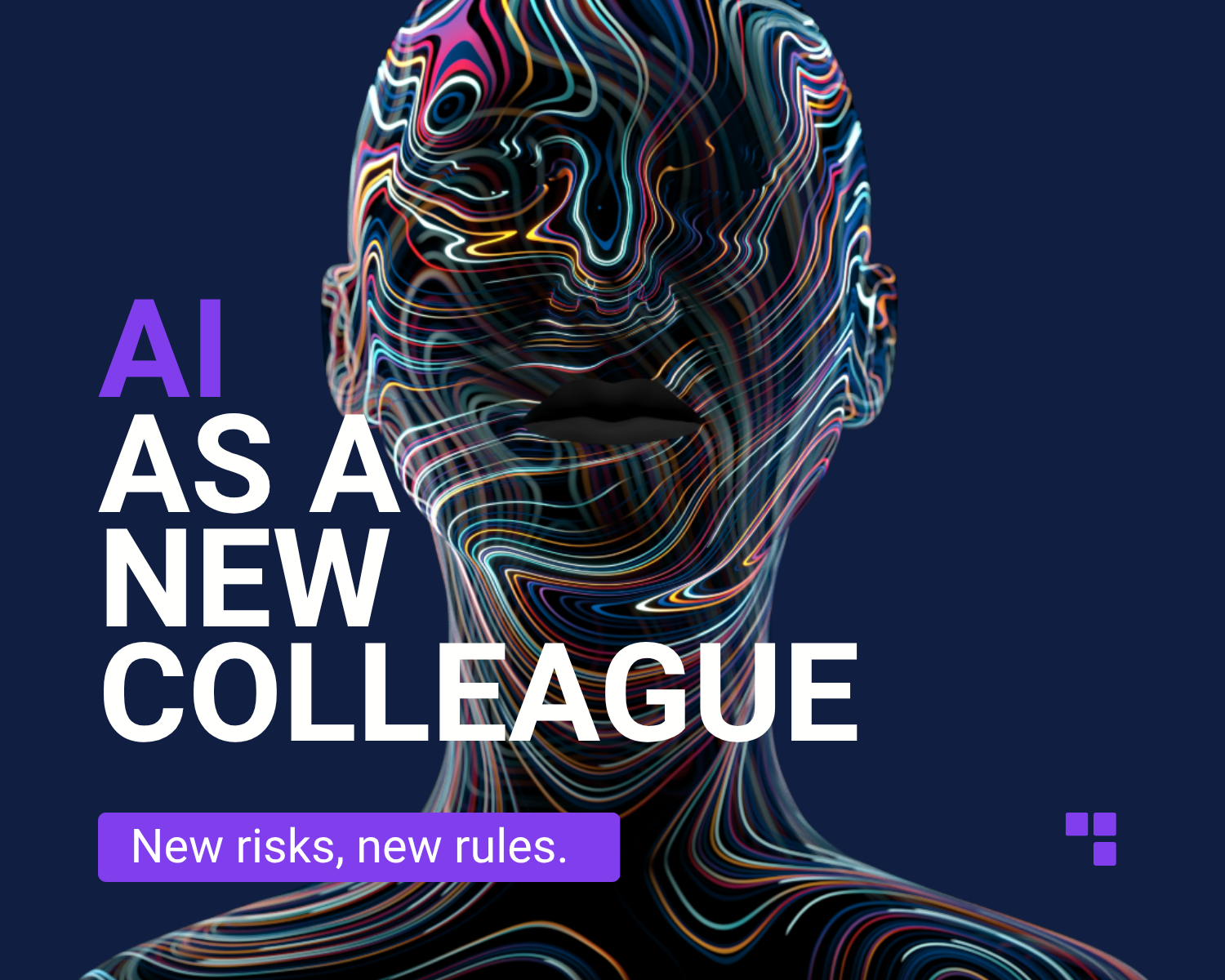
AI is a new colleague. It just never goes home.
Companies will use AI agents more and more. It makes sense. They can take routine work off people's hands, respond faster than a person, process large amounts of information and run processes around the clock.
Yet those very advantages bring new risks. An AI agent does not get tired. It does not go to lunch. It does not wait until morning. And if it has permission to carry out a thousand operations, it can carry them out very quickly.
So we should not look at AI agents as just another piece of software. From a security point of view, they are new digital identities in our infrastructure.
And every digital identity needs rules. Properly set permissions. Monitoring. Audit. And the ability to say at once: Stop. You go no further.
AI can be an exceptionally capable new colleague. Just don't hand it the master key to the whole company on its first day.
Need advice on your IT?
Get in touch and we will design something that fits your company.
Book a consultation